

Moxa 45MR-1601 | ioThinx 4500 Series Module with 16 DIs, 24 VDC, NPN, -20 to 60°C, Industrial Edge Connectivity
Moxa 45MR-1601 | ioThinx 4500 Series Module with 16 DIs, 24 VDC, NPN, -20 to 60°C, Industrial Edge Connectivity
SKU:45MR-1601
Stock Status: Enquire
Request Quote
Shipping calculated at checkout.
Description
Description
Moxa 45MR-1601: 16 DI module, 24 VDC, NPN, -20 to 60°C. Ideal for industrial edge connectivity. Explore the ioThinx 4500 Series here-Modules).
Features
Features
Warranty
Warranty
All technical data should be verified on the manufacturer data sheets.
View full details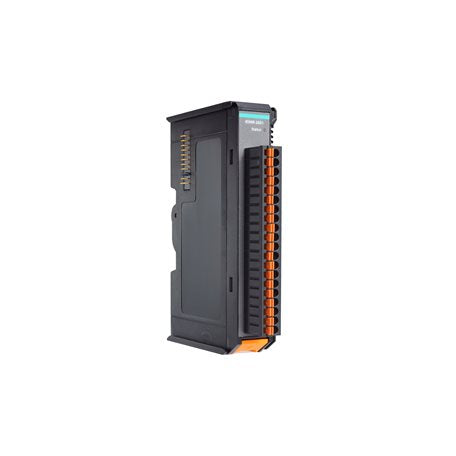
What's the difference between add to cart, backorder & request a quote?
Add to Cart lets you purchase in-stock products immediately.
Backorder is available for items that are out of stock. Placing a backorder secures your order; contact us to confirm ETA before ordering if you need it urgently.
Request a Quote is for customised pricing, volume-based deals, or orders that need a tailored response.
specs-tabs
Collapsible content
Technical Specifications
FAQs
Datasheet
Technical Specifications
FAQs
Datasheet
This product has a detailed PDF datasheet available. Open PDF datasheet in a new tab .
Recently Viewed
-

Request for a Quote
Looking for competitive pricing? Submit a request, and our team will provide a tailored quote that fits your needs.

