

Aruba R8F34A | USB LTE Modem, Cat 12 4G WAN Uplink for APs and Gateways
Aruba R8F34A | USB LTE Modem, Cat 12 4G WAN Uplink for APs and Gateways
Authorised Aruba Partner
SKU:R8F34A
Stock Status: Enquire
Description
Description
The Aruba R8F34A USB LTE modem adds a 4G LTE Cat 12 WAN uplink to compatible HPE Aruba Networking Access Points, SD-Branch Gateways and EdgeConnect SD-WAN Gateways. It delivers up to 480 Mbps download and 150 Mbps upload on FDD networks, and can be deployed as a primary WAN link or a backup path for branch, retail and remote-site connectivity.
The modem is plug-and-play and typically needs no configuration. It uses a USB 2.0 interface with a swivel connector for flexible positioning, two internal antennas (main and diversity), and a single micro or nano SIM slot. It supports a wide range of LTE FDD, LTE TDD and WCDMA bands, with GNSS support for GPS, GLONASS, BeiDou, Galileo and QZSS. It can be managed through Aruba Central, Legacy Management or AirWave, and Orchestrator for EdgeConnect.
Features
Features
Warranty
Warranty
All technical data should be verified on the manufacturer data sheets.
View full details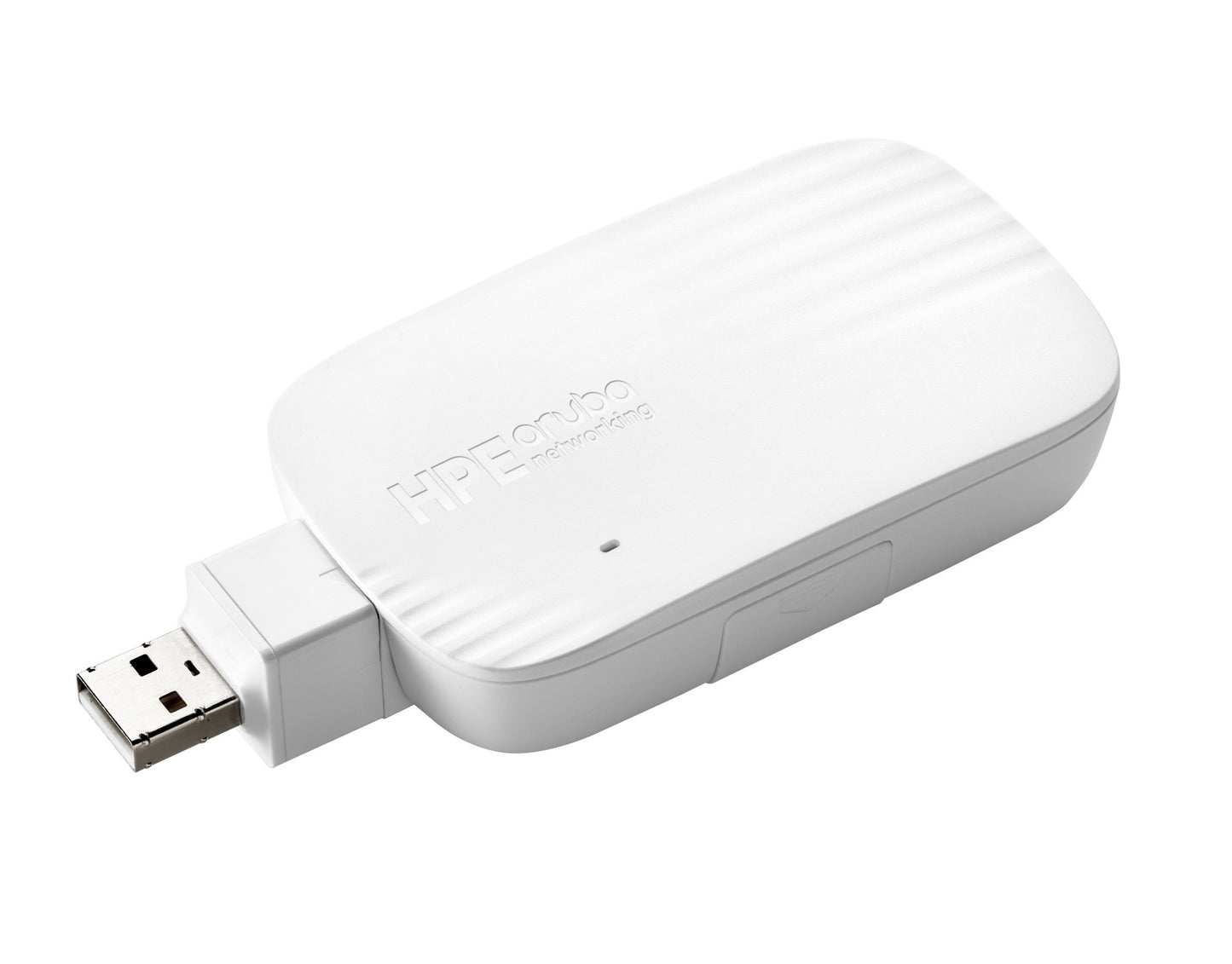
What's the difference between add to cart, backorder & request a quote?
Add to Cart lets you purchase in-stock products immediately.
Backorder is available for items that are out of stock. Placing a backorder secures your order; contact us to confirm ETA before ordering if you need it urgently.
Request a Quote is for customised pricing, volume-based deals, or orders that need a tailored response.
specs-tabs
Collapsible content
Technical Specifications
FAQs
Technical Specifications
FAQs
Related Products
-
 Vendor:Aruba
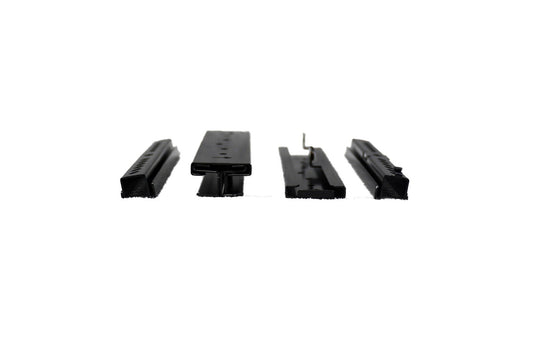
Aruba R3J18A | AP-MNT-D Type D Solid Surface AP Mount Bracket, 1 Pack
R3J18A
In stock (Supplier)
Vendor:ArubaThe Aruba AP-MNT-D is a Type D solid surface access point mount bracket kit for attaching a single c... -
 Vendor:Aruba
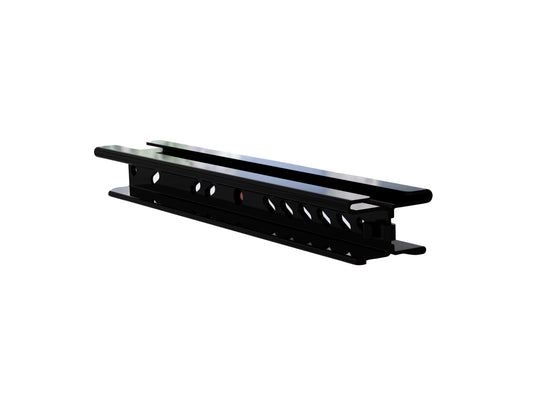
Aruba R3J16A | AP-MNT-B Type B AP Mount Bracket, Ceiling Rail 15/16
R3J16A
In stock (Supplier)
Vendor:ArubaThe AP-MNT-B Type B access point mount bracket kit secures compatible Aruba campus access points to ... -
 Vendor:Aruba
Aruba S4K79A | AP-MNT-U Campus AP Mount Bracket Kit, Type U Universal, Single
S4K79A
In stock (Supplier)
Vendor:ArubaThe AP-MNT-U is a Type U universal mount bracket kit for installing select Aruba campus access point... -
 Vendor:Aruba
Aruba R3J15A | AP-MNT-A Type A Ceiling Rail Mount Kit, Flat 9/16, 1-Pack
R3J15A
In stock (Supplier)
Vendor:ArubaThe Aruba AP-MNT-A is a Type A access point mount bracket kit for fixing Aruba campus access points ... -
 Vendor:Ubiquiti
Ubiquiti UACC-U7-PRO-WALL-TS | Aluminium Table Stand for UniFi U7 Pro Wall, Silver
UACC-U7-Pro-Wall-TS
In stock (Supplier)
Vendor:UbiquitiThe UniFi U7 Pro Wall Table Stand is a lightweight aluminium access point stand that lets the U7 Pro... -
 Vendor:ArubaThe Aruba R9H97A (AP-OUT-MNT-V1A) is a long arm pole and wall mounting bracket for Aruba outdoor acc...
-
 Vendor:Ubiquiti
Ubiquiti WAVE-PICO | UISP Wave Pico 60 GHz PtMP Station, 2 Gbps, 5 GHz Backup
Wave-Pico
In stock (Supplier)
Vendor:UbiquitiThe UISP Wave Pico is a compact 60 GHz point-to-multipoint (PtMP) station built on Ubiquiti's Wave T... -
 Vendor:Ubiquiti
Ubiquiti UDB | UniFi Device Bridge WiFi 5 Wireless Bridge, 2x2, Wall Mount
UDB
In stock (Supplier)
Vendor:UbiquitiThe Ubiquiti UniFi Device Bridge (UDB) is a plug-and-play WiFi 5 wireless bridge and PoE adapter wit...


Recently Viewed
-

Request for a Quote
Looking for competitive pricing? Submit a request, and our team will provide a tailored quote that fits your needs.

