

HP Z0A71A4 | HC240 Healthcare Edition 24in WUXGA Monitor, White
HP Z0A71A4 | HC240 Healthcare Edition 24in WUXGA Monitor, White
Authorised HP Partner
SKU:Z0A71A4
Stock Status: Enquire
Description
Description
The HP HC240 Healthcare Edition 24-inch monitor delivers 1920 x 1200 WUXGA resolution on an IPS panel with LED backlight, in a white housing suited to clinical environments. It ships with a default DICOM Part 14 calibration for consistent grayscale and colour rendering, and is intended for viewing clinical data and non-diagnostic medical images.
With 300 cd/m2 brightness, a 1000:1 static contrast ratio and 178 degree horizontal and vertical viewing angles, the display stays clear from wide angles. Connectivity includes HDMI, mini DisplayPort, DisplayPort, MHL and DVI, plus a USB 3.0 hub, and the stand offers tilt, height, swivel and pivot adjustment.
Features
Features
Warranty
Warranty
All technical data should be verified on the manufacturer data sheets.
View full details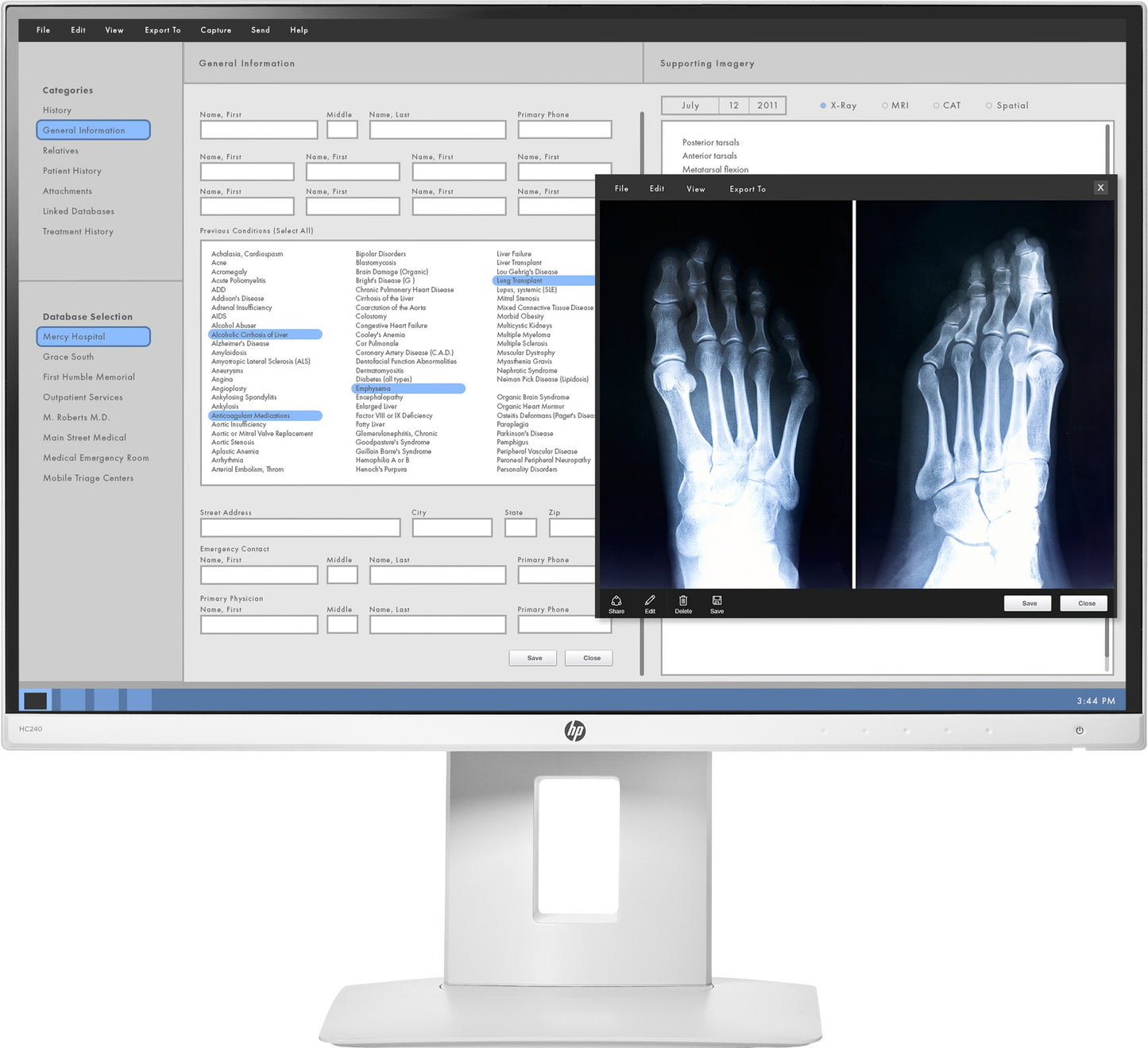
What's the difference between add to cart, backorder & request a quote?
Add to Cart lets you purchase in-stock products immediately.
Backorder is available for items that are out of stock. Placing a backorder secures your order; contact us to confirm ETA before ordering if you need it urgently.
Request a Quote is for customised pricing, volume-based deals, or orders that need a tailored response.
specs-tabs
Collapsible content
Technical Specifications
FAQs
Datasheet
Manual
Technical Specifications
FAQs
Datasheet
This product has a detailed PDF datasheet available. Open PDF datasheet in a new tab .
Manual
This product has a detailed PDF manual available. Open PDF manual in a new tab .
Related Products
-
 Vendor:DellThe Dell P2426 is a 24.1-inch WUXGA (1920 x 1200) 16:10 IPS monitor from the Dell Pro P range, built...
 -
 Vendor:Dell
Dell P2725DE | Pro Plus 27in QHD IPS Monitor, 100Hz, USB-C 90W PD, RJ45
P2725DE
In stock
Vendor:DellThe Dell Pro Plus P2725DE is a 27-inch QHD (2560 x 1440) IPS monitor with a 100Hz refresh rate, buil... -
 Vendor:Dell
Dell P3426WEB | Pro P 34in Curved USB-C Hub Conferencing Monitor, WQHD, 90W, Webcam
P3426WEB
In stock
Vendor:DellThe Dell Pro P3426WEB is a 34-inch 21:9 curved WQHD conferencing monitor with an integrated 2K webca... -
 Vendor:DellThe Dell Pro P 24 P2426HEB is a 23.8-inch Full HD (1920x1080) IPS conferencing monitor with an integ...
 -

 Vendor:DellThe Dell UltraSharp U4323QE is a 42.5-inch 4K UHD IPS USB-C hub monitor built for multi-PC desks and...
 -
 Vendor:Dell
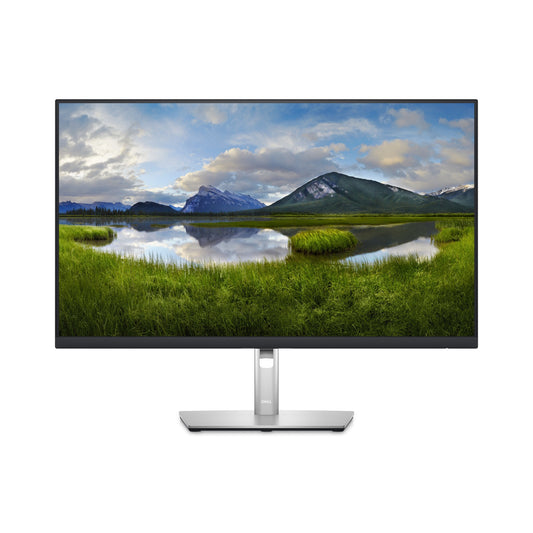
Dell P2723D | P Series 27" Monitor, QHD, 2560 x 1440, IPS, 60Hz, HDMI, DisplayPort
P2723D
Stock Status: Enquire
Vendor:DellThe DELL P Series 27 Monitor - P2723D offers a stunning QHD resolution of 2560 x 1440, providing exc... -
 Vendor:DellThe Dell UltraSharp U2724D is a 27-inch QHD (2560 x 1440) IPS Black monitor with a 120 Hz refresh ra...
 -

 Vendor:HPThe HP Series 7 Pro 727pq is a 27-inch QHD monitor built for professional and hybrid-work desks. Its...


Recently Viewed
-

Request for a Quote
Looking for competitive pricing? Submit a request, and our team will provide a tailored quote that fits your needs.

