
Skip to product information
1 of 1

Dell

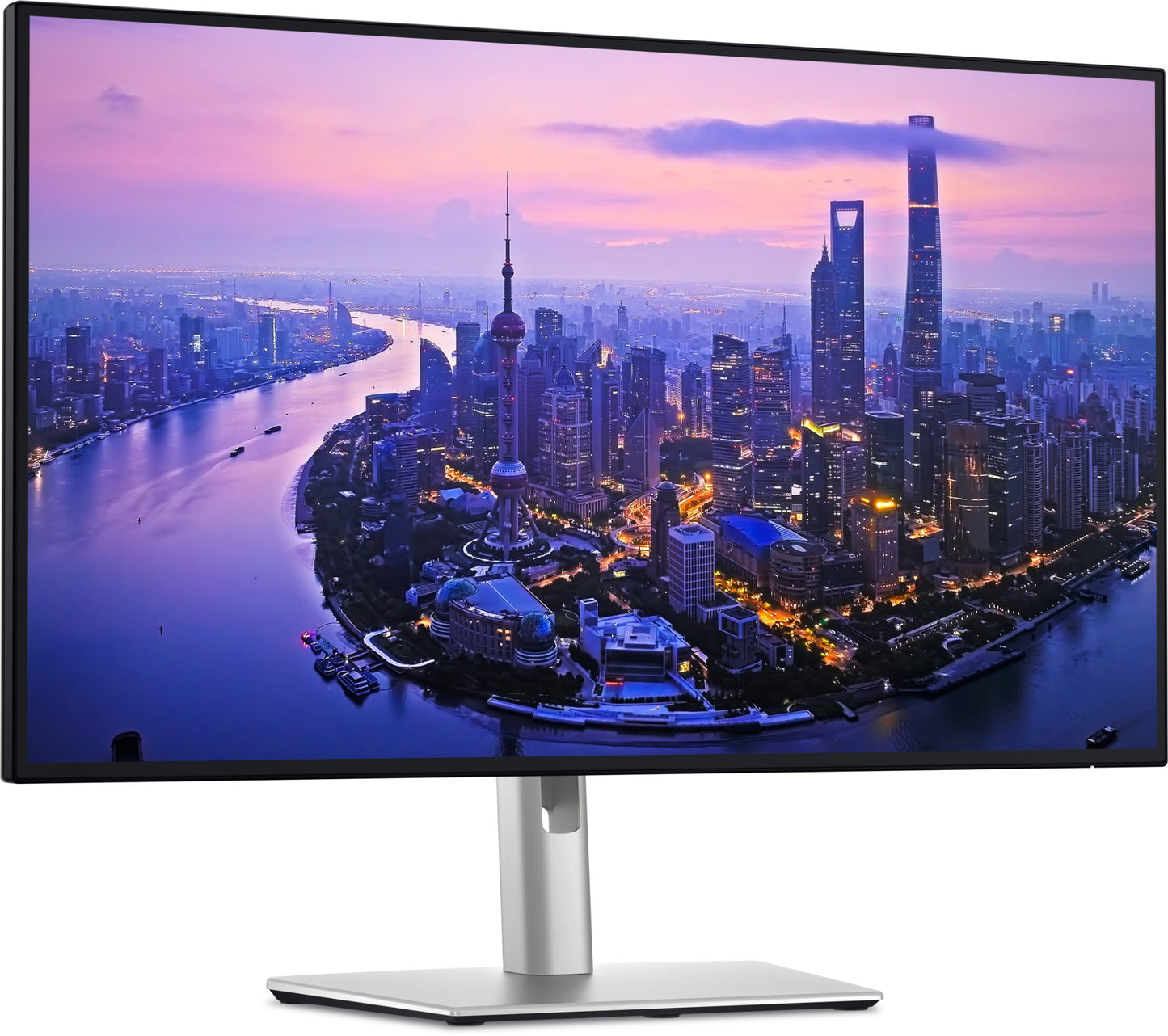
Dell U2725QE | UltraSharp 27in 4K IPS Black Monitor, Thunderbolt 4, 120Hz

Dell U2725QE | UltraSharp 27in 4K IPS Black Monitor, Thunderbolt 4, 120Hz

SKU:U2725QE

In stock:187

$1,099.29 inc. GST
$999.35 ex. GST
Sale Stock Status: Enquire
Taxes included. Shipping calculated at checkout.

Description

The Dell UltraSharp U2725QE is a 27-inch 4K IPS Black professional monitor built for demanding workspaces where colour accuracy, contrast, and connectivity all matter. Featuring the world's first enhanced IPS Black panel with a 3,000:1 static contrast ratio — three times that of conventional IPS — alongside a 3840x2160 resolution at 120Hz, it delivers exceptional image clarity for design, finance, and productivity workflows. The built-in Thunderbolt 4 hub provides up to 140W power delivery via a single cable, letting you power a modern laptop while connecting displays, peripherals, and a wired network simultaneously.

Beyond raw display performance, the U2725QE integrates a full USB 3.2 Gen 2 hub with 5x USB-A and 2x front-facing USB-C ports, an RJ45 Ethernet port, Thunderbolt 4 daisy-chaining, and a built-in KVM switch for managing two computers from one set of peripherals. The ergonomic stand supports tilt, swivel, pivot, and height adjustment, while Dell Power Button Sync, ComfortView Plus ambient light sensing, and ENERGY STAR certification round out an enterprise-grade package. In stock and ready to ship from iptrading.com.au — order now for fast dispatch.

Features

- World's first enhanced IPS Black panel — 3,000:1 contrast ratio, 3x conventional IPS
- Thunderbolt 4 hub with up to 140W power delivery via single cable
- Thunderbolt 4 daisy-chaining for multi-monitor configurations
- Built-in KVM switch — manage two PCs from one keyboard and mouse
- Integrated RJ45 Ethernet for wired network access through the monitor
- Ambient light sensor with ComfortView Plus for automatic brightness and colour temperature adjustment
- Dell Power Button Sync (DPBS) — control PC power state directly from the monitor
- MAC address pass-through and Wake on LAN support
- Dell Display and Peripheral Manager (DDPM) software compatibility
- Multi-Stream Transport (MST) and DisplayPort daisy-chain support
- Ergonomic stand: tilt, swivel, pivot (portrait mode), and height adjustment
- ENERGY STAR® certified and TCO Certified
- Sustainable packaging using FSC-mix corrugated materials

Warranty

Dell hardware typically includes a 1 to 3-year limited hardware warranty, depending on the product model and configuration. Coverage includes repair or replacement for defects in materials and workmanship.

Extended Warranty Options:
Extended warranty and support packages are available through IP Trading. Contact us to customise a solution for your Dell infrastructure.

All technical data should be verified on the manufacturer data sheets.

View full details
specs-tabs

Collapsible content

Technical Specifications

FAQs

Technical Specifications

- Screen Size: 27.0 in (68.47 cm) Active Matrix TFT LCD, IPS Black Technology
- Resolution: 3840 x 2160 (4K Ultra HD), 16:9 Aspect Ratio
- Max Refresh Rate: 120 Hz (default preset: 60 Hz)
- Brightness: 450 cd/m²
- Contrast Ratio: 3,000:1 Static
- Response Time: 8 ms
- Viewing Angles: 178° Horizontal / 178° Vertical
- Colour Support: 1.07 Billion Colours
- Thunderbolt 4 Upstream Port: 1x (DP 1.4, HDCP 2.2, DSC, up to 140W EPR Power Delivery)
- Thunderbolt 4 Downstream Port: 1x (Daisy Chain, 15W)
- HDMI Port: 1x
- DisplayPort: 2x
- USB-C 10 Gbps Downstream Ports: 2x (front-facing)
- USB-A Ports: 5x (USB 3.2 Gen 2, 10 Gbps)
- Ethernet: 1x RJ45 (LAN via USB-C upstream)
- Power Delivery: Up to 140W (USB-C PD 3.1 / Thunderbolt 4)
- USB Hub: USB 3.2 Gen 2 (10 Gbps)
- Ergonomic Stand: Tilt, Swivel, Pivot (Portrait), Height Adjustment
- VESA Mount Compatible: Yes
- Warranty: 3-Year Advanced Exchange

FAQs

Q: Can the Dell U2725QE power a laptop through a single cable?
A: Yes. The U2725QE delivers up to 140W of power via its Thunderbolt 4 upstream port using the USB-C PD 3.1 / EPR standard, which is sufficient to charge and power most modern laptops — including high-performance models — through a single Thunderbolt 4 or USB-C cable.

Q: What makes the IPS Black panel different from a standard IPS display?
A: The U2725QE uses Dell's enhanced IPS Black technology, which achieves a 3,000:1 static contrast ratio — approximately three times higher than conventional IPS panels. This results in deeper blacks and more vivid image rendering while retaining the wide viewing angles and colour accuracy IPS is known for.

Q: Does the U2725QE support KVM functionality, and how does it work?
A: Yes. The built-in KVM switch allows you to connect two computers to the monitor and share a single set of USB peripherals (keyboard, mouse, etc.) between them. You can switch control between the two systems directly from the monitor's OSD, making it ideal for dual-workstation setups.

Q: Can I daisy-chain multiple monitors using this display?
A: Yes. The U2725QE supports Thunderbolt 4 daisy-chaining via its downstream Thunderbolt 4 port, allowing you to connect additional compatible monitors in a chain from a single Thunderbolt 4 host port on your laptop or PC.

Q: Is the Dell U2725QE available in Australia, and can I buy it from IP Trading?
A: Yes. The Dell UltraSharp U2725QE is stocked and available for purchase at iptrading.com.au. IP Trading is an Australian B2B IT hardware reseller with fast dispatch from local stock, making it a reliable source for procurement teams and IT departments across Australia.

Q: What certifications does the U2725QE carry?
A: The U2725QE is ENERGY STAR® certified and TCO Certified, reflecting its energy efficiency and sustainable manufacturing practices. It also supports Dell's ComfortView Plus ambient light sensing for eye comfort during extended use.

Recently Viewed

  • Request for a Quote

    Looking for competitive pricing? Submit a request, and our team will provide a tailored quote that fits your needs.

  • Contact Us Directly

    Have a question or need immediate assistance? Call us for expert advice and real-time support.

    Call us Now  
  • Contact Us Directly

    Have a question or need immediate assistance? Call us for expert advice and real-time support.

    Contact us