

Moxa ioLogik E1210 | Universal I/O Module with 16 Digital Inputs, Dual Ethernet Ports, -10 to 60°C Operating Temp, ioLogik E1200 Series
Moxa ioLogik E1210 | Universal I/O Module with 16 Digital Inputs, Dual Ethernet Ports, -10 to 60°C Operating Temp, ioLogik E1200 Series
SKU:ioLogik E1210
Stock Status: Enquire
Request Quote
Shipping calculated at checkout.
Description
Description
Moxa ioLogik E1210: Universal I/O with 16 DIs, Ethernet remote I/O, 2-port switch, -10 to 60°C. Ideal for industrial edge connectivity. More Info
Features
Features
Warranty
Warranty
All technical data should be verified on the manufacturer data sheets.
View full details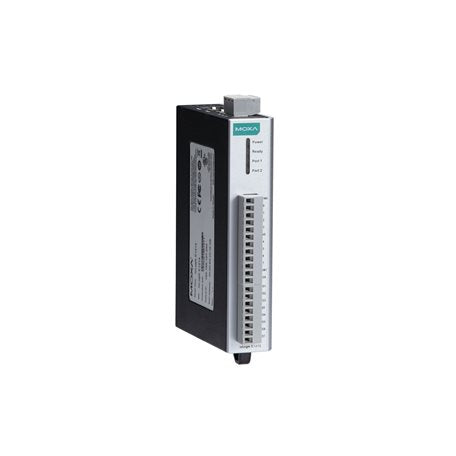
What's the difference between add to cart, backorder & request a quote?
Add to Cart lets you purchase in-stock products immediately.
Backorder is available for items that are out of stock. Placing a backorder secures your order; contact us to confirm ETA before ordering if you need it urgently.
Request a Quote is for customised pricing, volume-based deals, or orders that need a tailored response.
specs-tabs
Collapsible content
Technical Specifications
FAQs
Datasheet
Technical Specifications
FAQs
Datasheet
This product has a detailed PDF datasheet available. Open PDF datasheet in a new tab .
Recently Viewed
-

Request for a Quote
Looking for competitive pricing? Submit a request, and our team will provide a tailored quote that fits your needs.

